How to Quickly Apply for a D-U-N-S Number for Your Business
A comprehensive guide for quick and easy D-U-N-S Number registration
The Purpose of D-U-N-S Numbers
In business operations, a D-U-N-S Number serves a similar verification purpose as business registration certificates and legal company profiles. It’s required for various business activities, such as registering for Google Play Developer and Apple Developer enterprise accounts.
How to Look Up D-U-N-S Numbers
If your company has been established for a while, you might already have a D-U-N-S Number assigned by official channels, eliminating the need for a new application.
Here are several resources to help you check if your company already has a D-U-N-S Number:
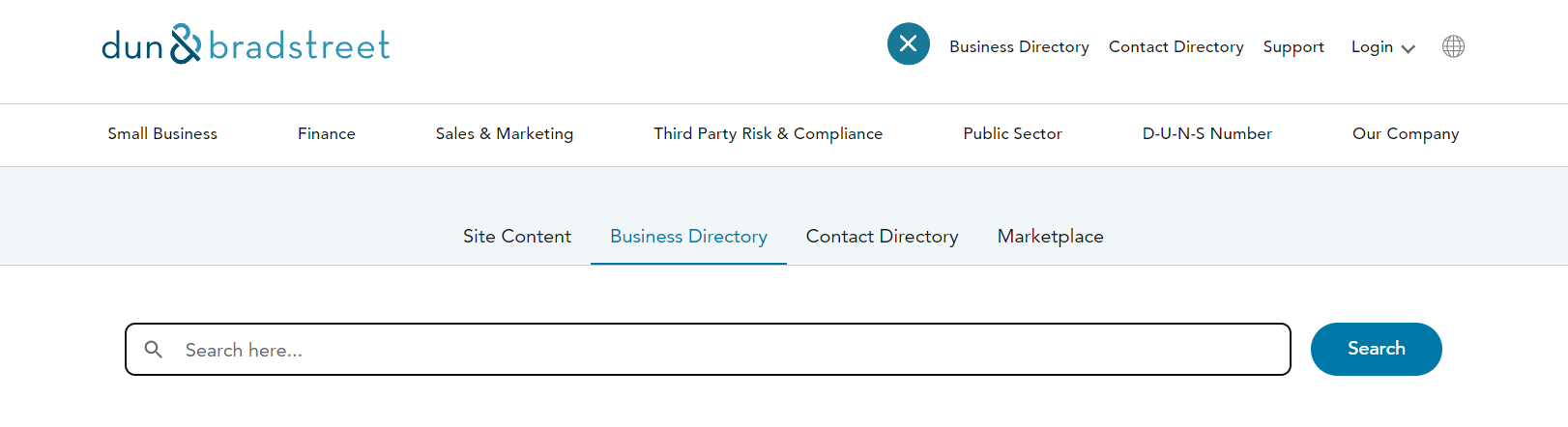
D&B Official Website: https://www.dnb.com/
After accessing the official site, click the search box at the top and select “Business Directory” to search
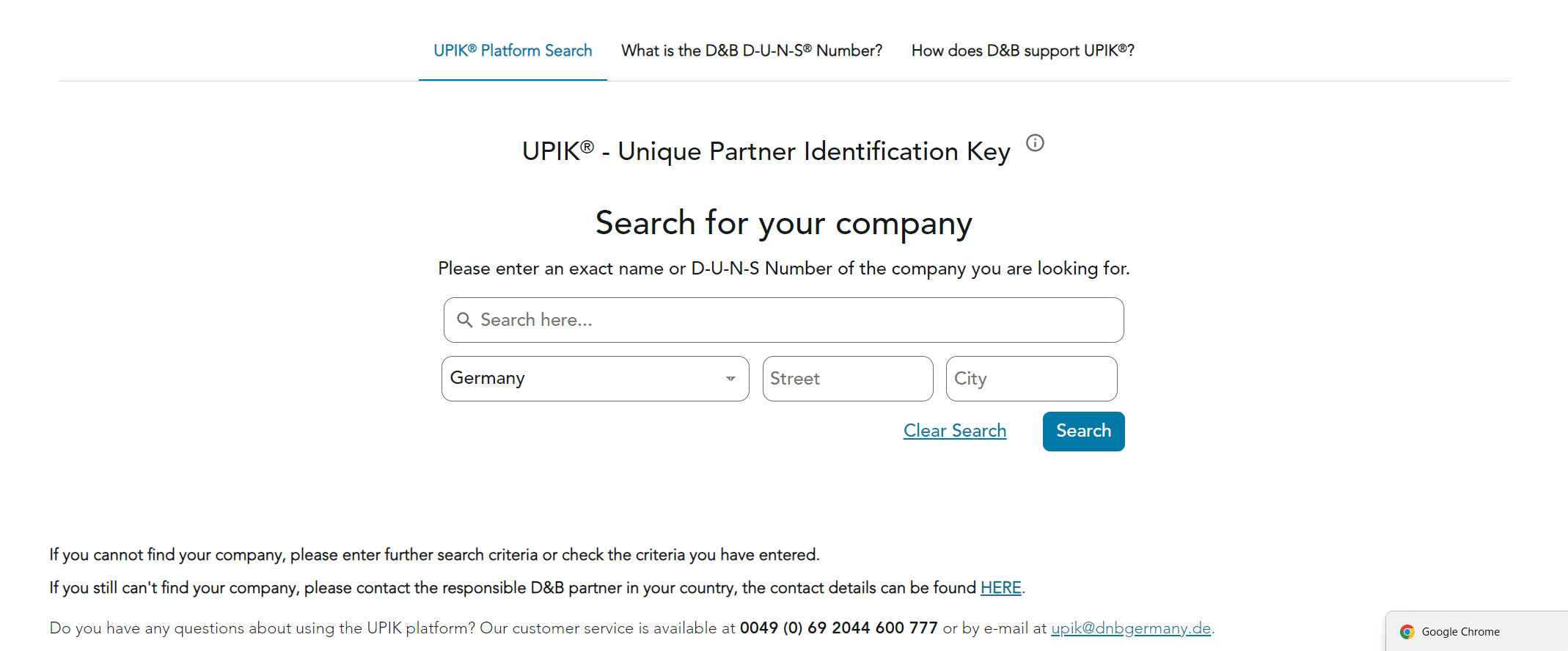
D&B Germany Site: https://www.dnb.com/de-de/upik-en.html
Switch to your region and search directly by company name
Apple Developer Platform: https://developer.apple.com/enroll/duns-lookup/#!/search
If you have a newly registered company and urgently need a D-U-N-S Number, you can proceed with an active application.
D-U-N-S Number Registration Guide
The registration process varies slightly depending on your company’s location, as shown on the DNB official website:
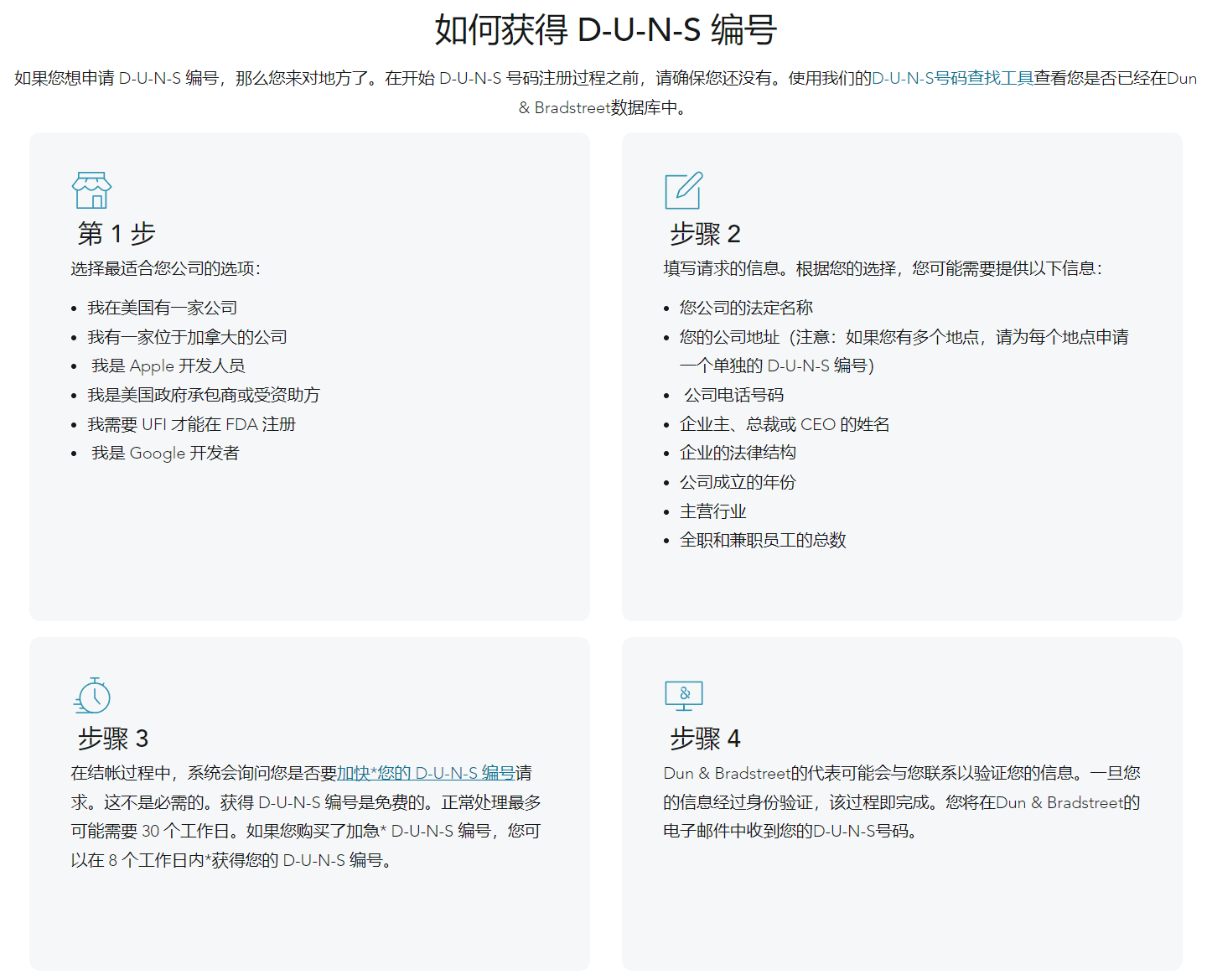
This guide recommends using the Apple Developer expedited channel for faster registration.
Here’s a step-by-step guide using a Singapore company as an example:
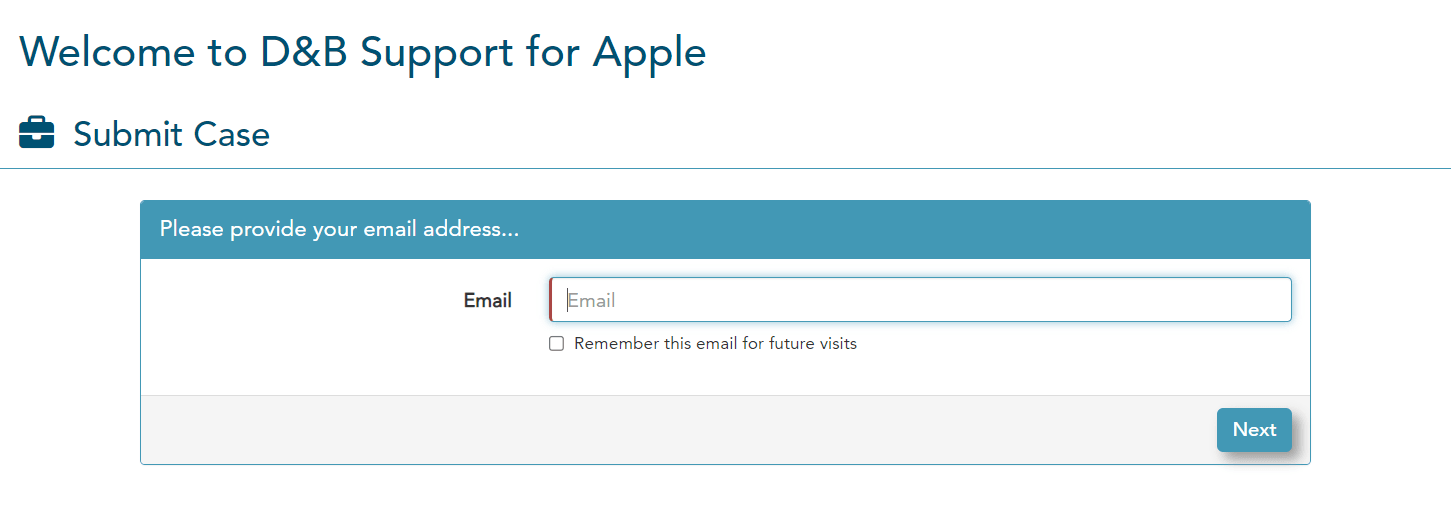
Visit the Apple Developer expedited channel and enter your contact email for communication and progress updates
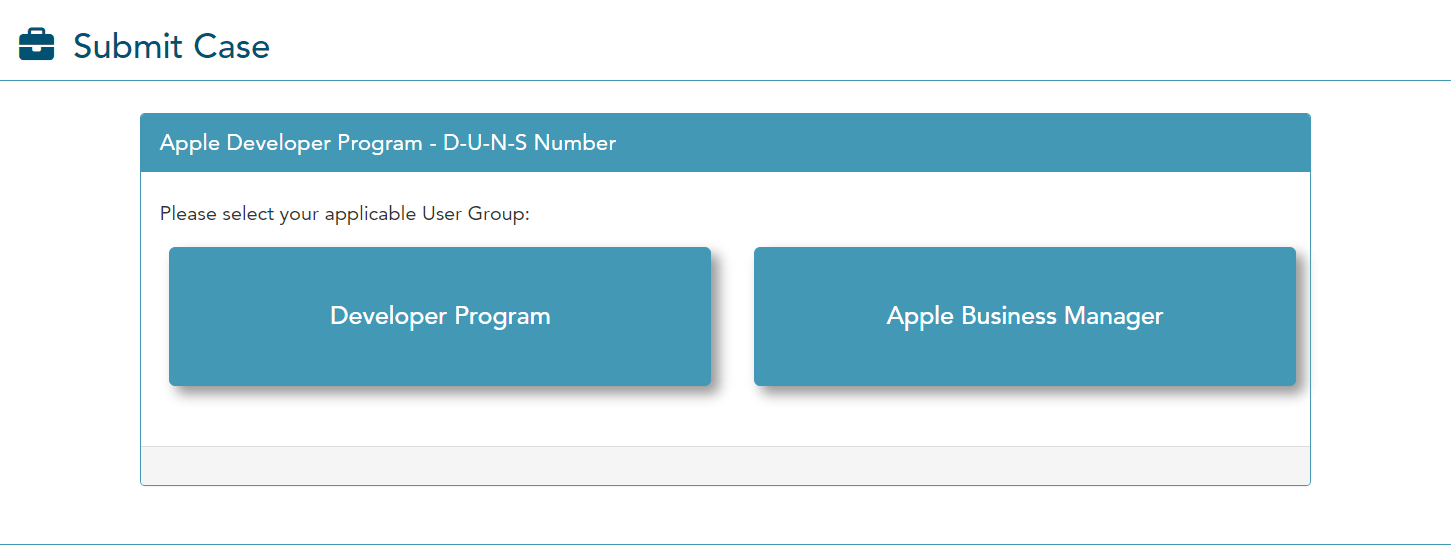
Select your developer account type based on your situation
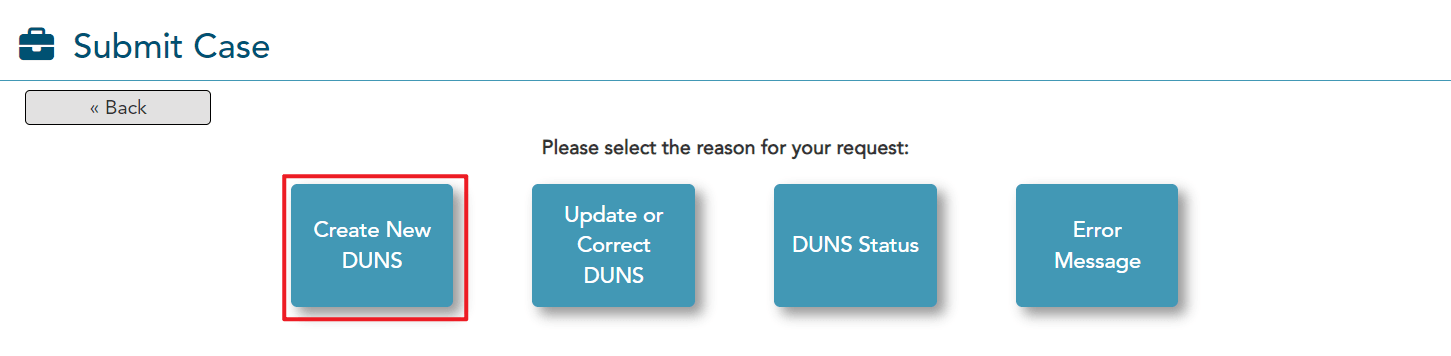
Choose “Create New DUNS” to apply for a new number
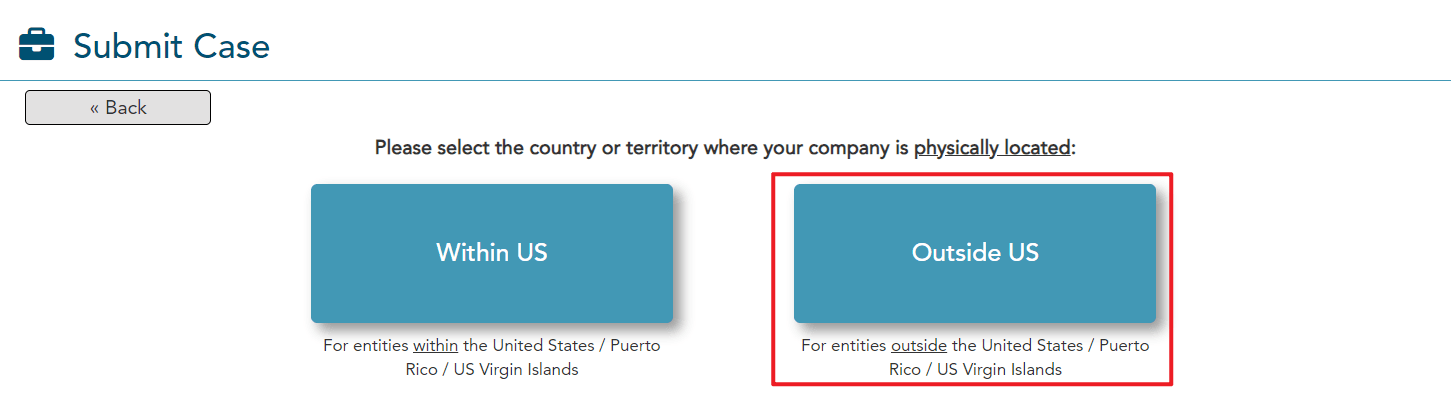
Confirm whether your company is registered in the United States (answer truthfully)
Complete the application form
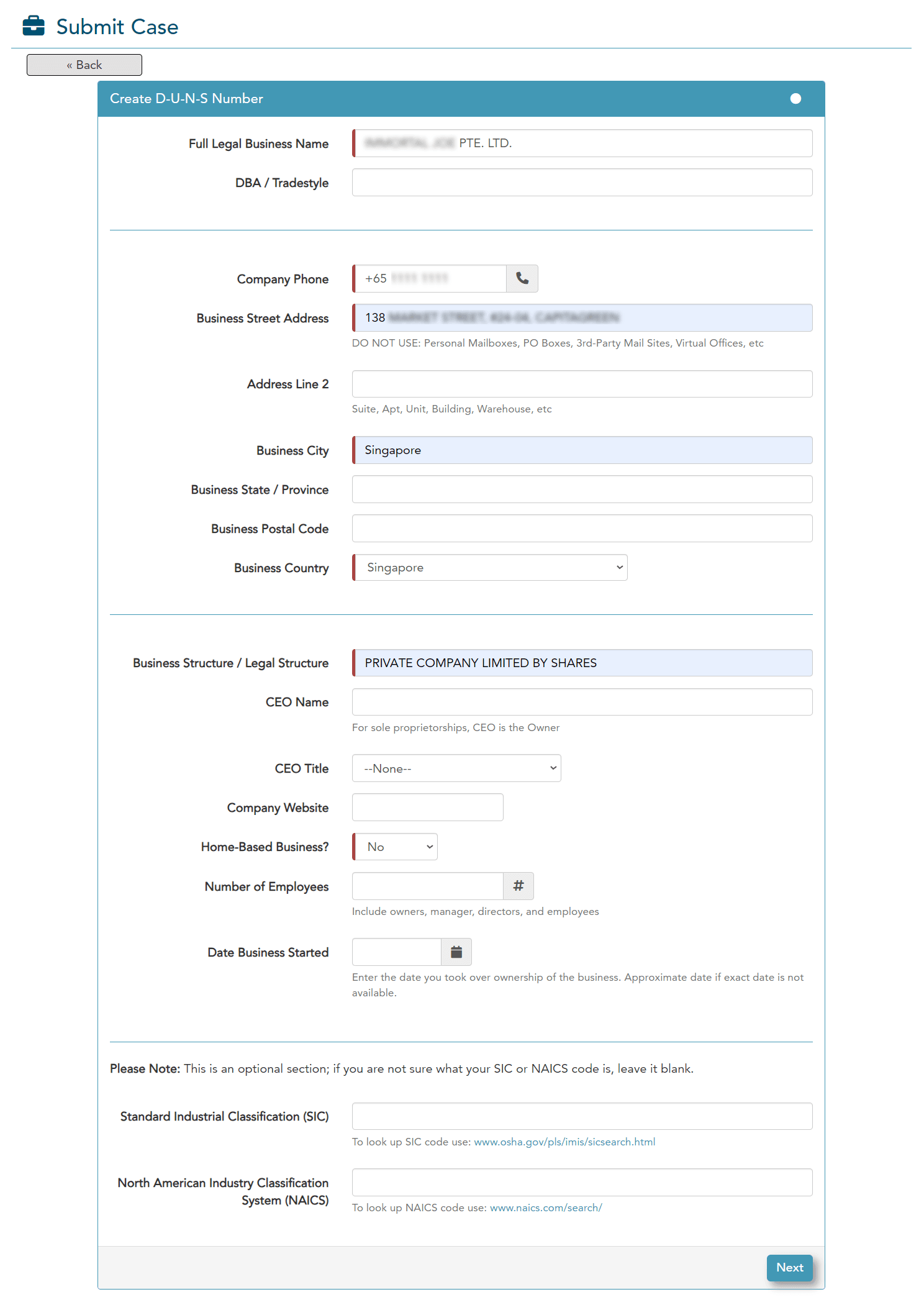
The items marked in red are mandatory. Fill in the information according to your company’s legal documents (such as registration certificates).
Regarding the phone number, you typically need to provide a number from your company’s registration location. For offshore companies that might not have a local number, you can initially enter any number and update it later through a resubmission.
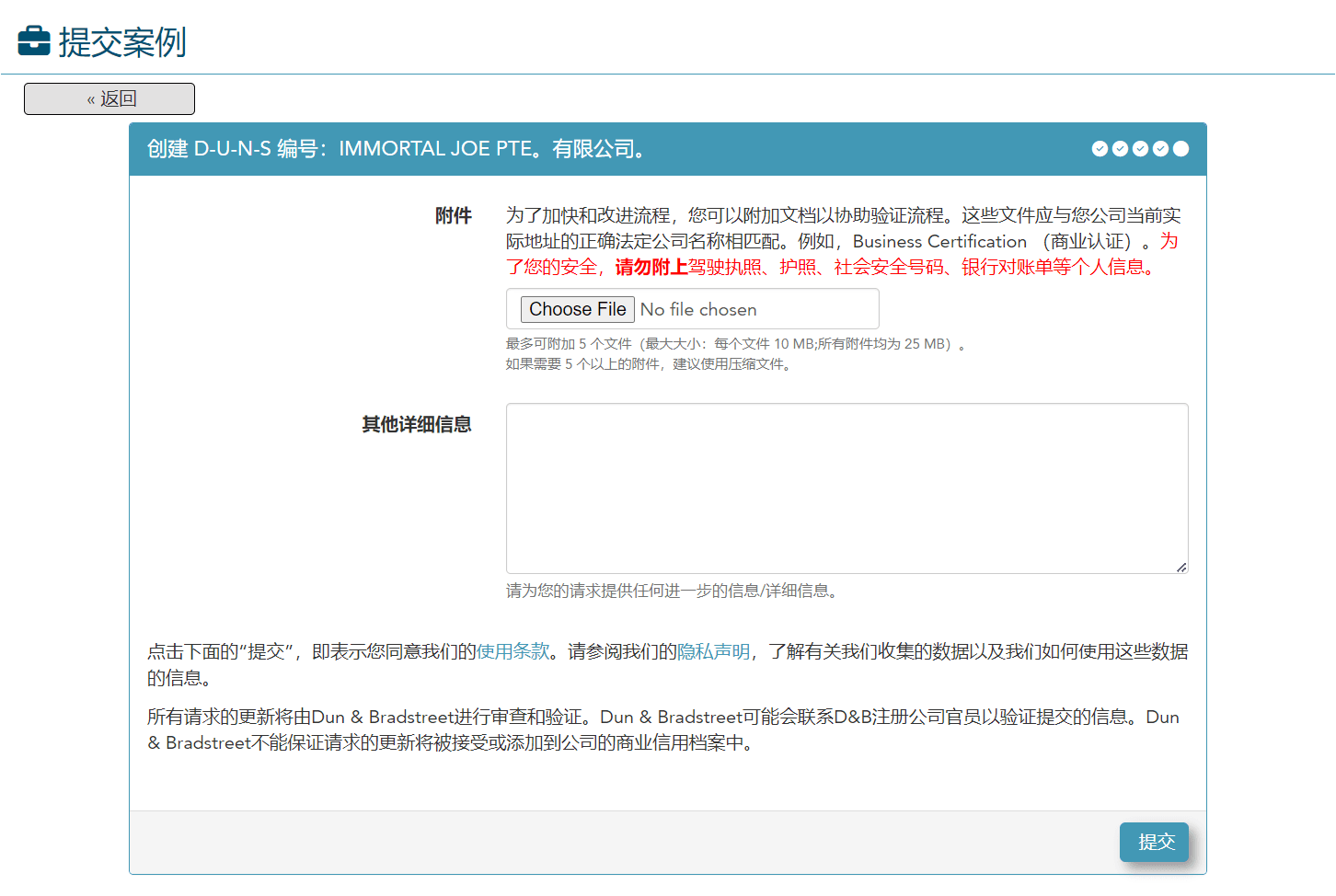
Add supporting company documentation
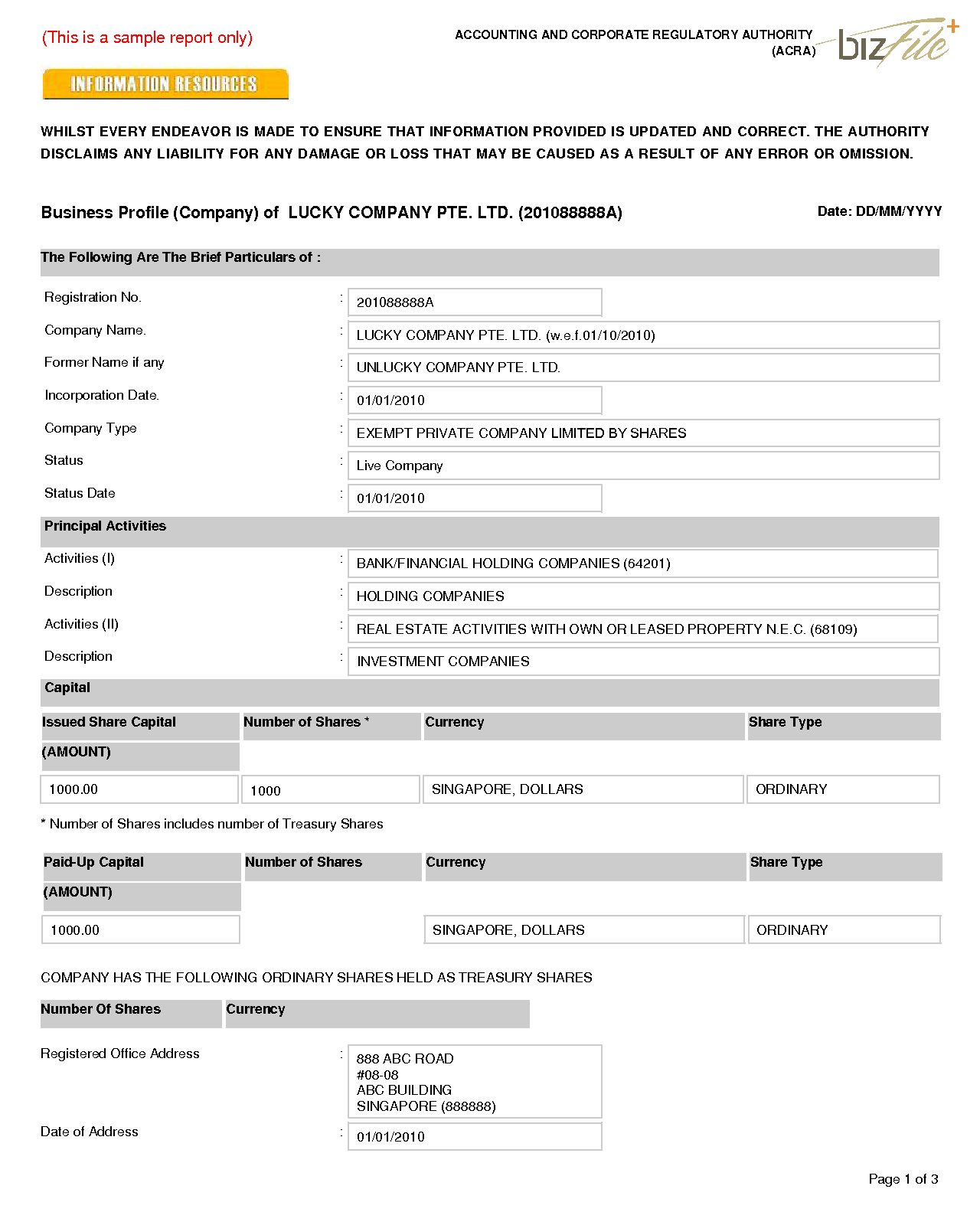
Required documents vary by region. For Singapore companies, a “business profile” (as shown below) is usually sufficient.
After confirming all information and documents, submit your application. You’ll receive a confirmation email at your contact address.
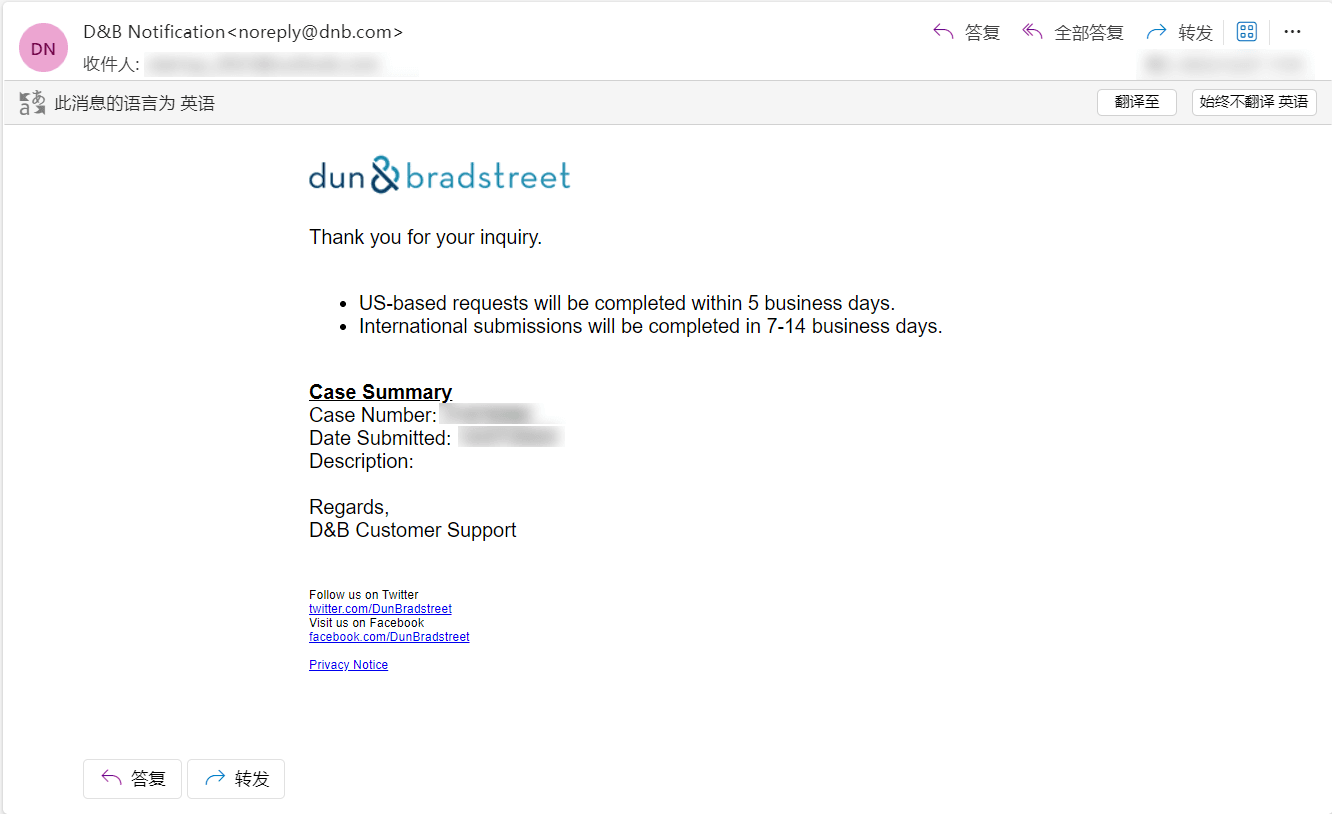
If everything is in order, you’ll receive application status updates. For Singapore companies, responses typically arrive within 3 business days.
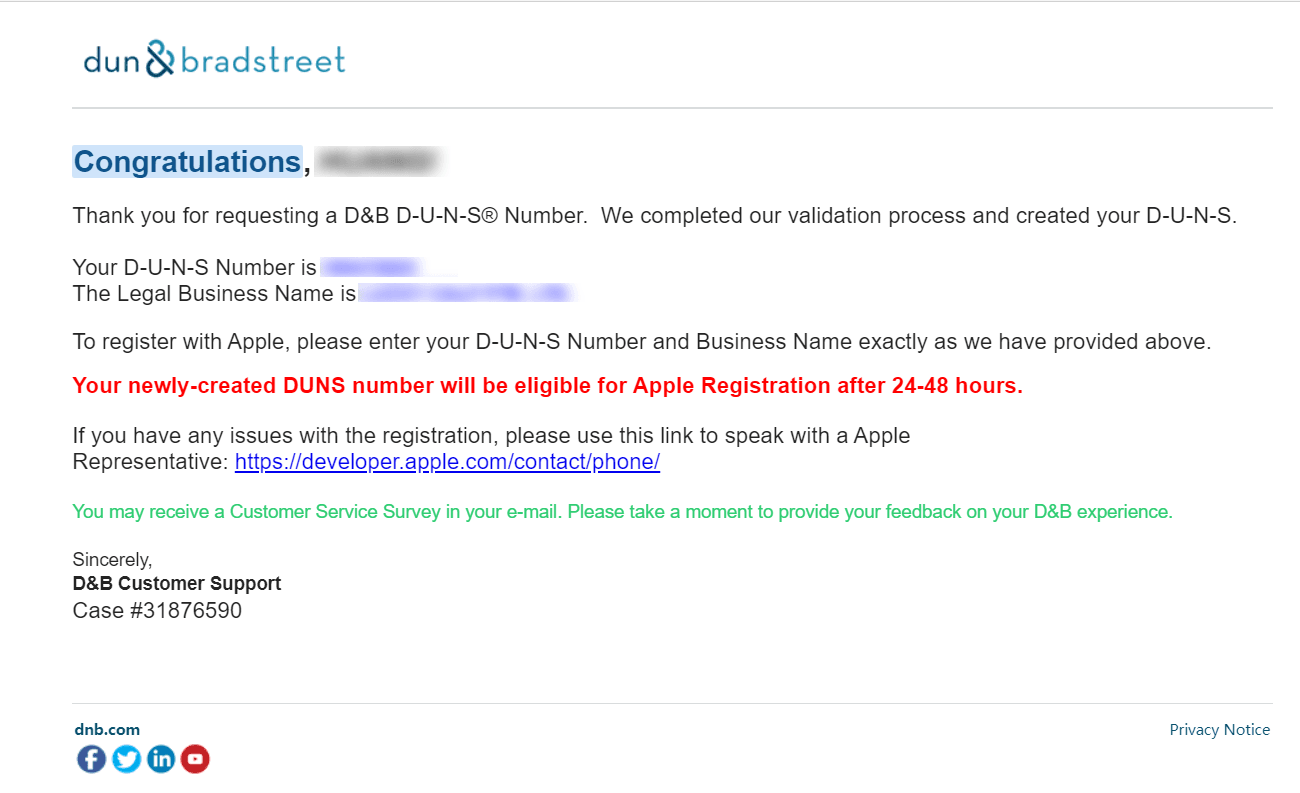
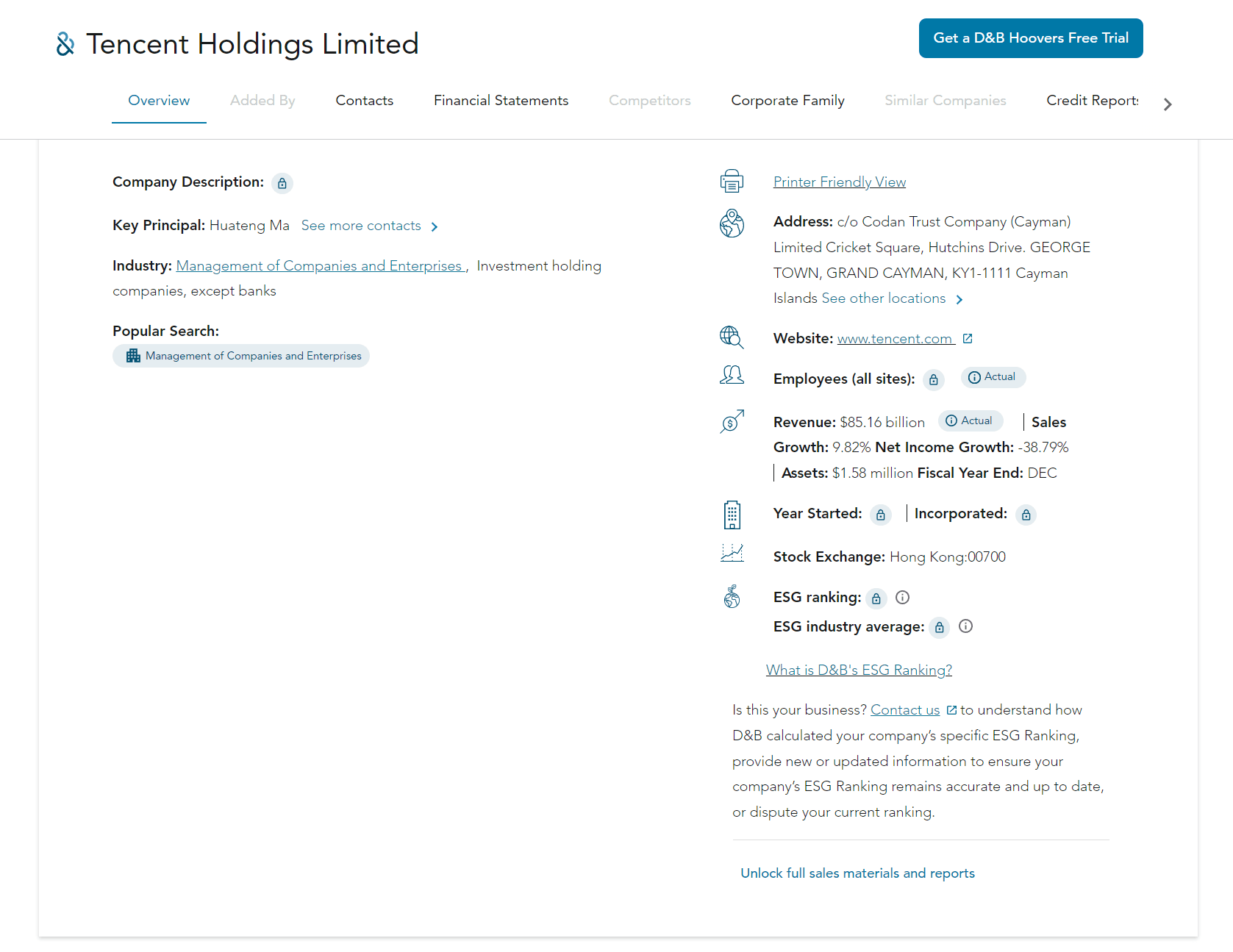
At this point, you’ve completed your D-U-N-S Number application. You can verify your number using the search resources mentioned in Section 2.
Conclusion
This guide has covered the importance of D-U-N-S Numbers and how to search for or apply for one. Whether you have an existing business or a newly registered company, you can easily obtain a D-U-N-S Number through either the D&B official website or the Apple Developer expedited channel.
We hope these steps help you successfully complete your D-U-N-S Number application!